Cart

Your cart is currently empty.

Continue shopping

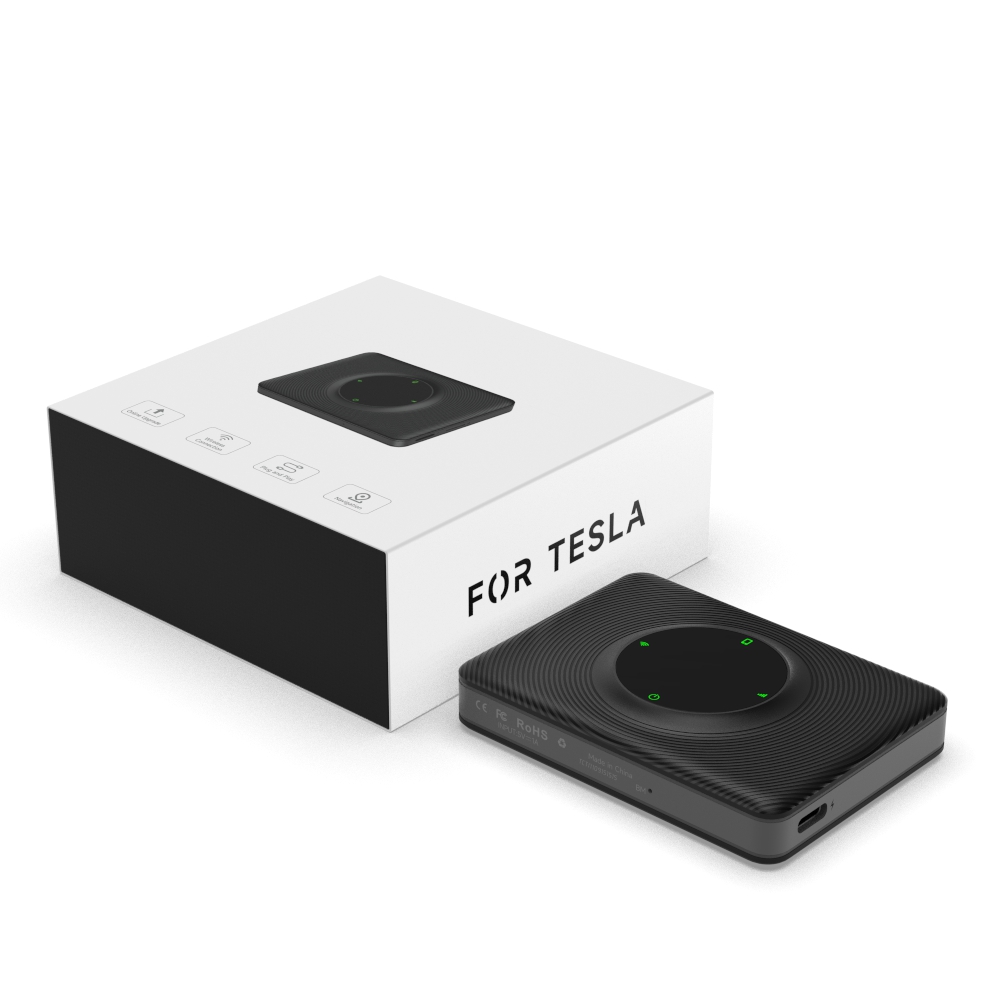
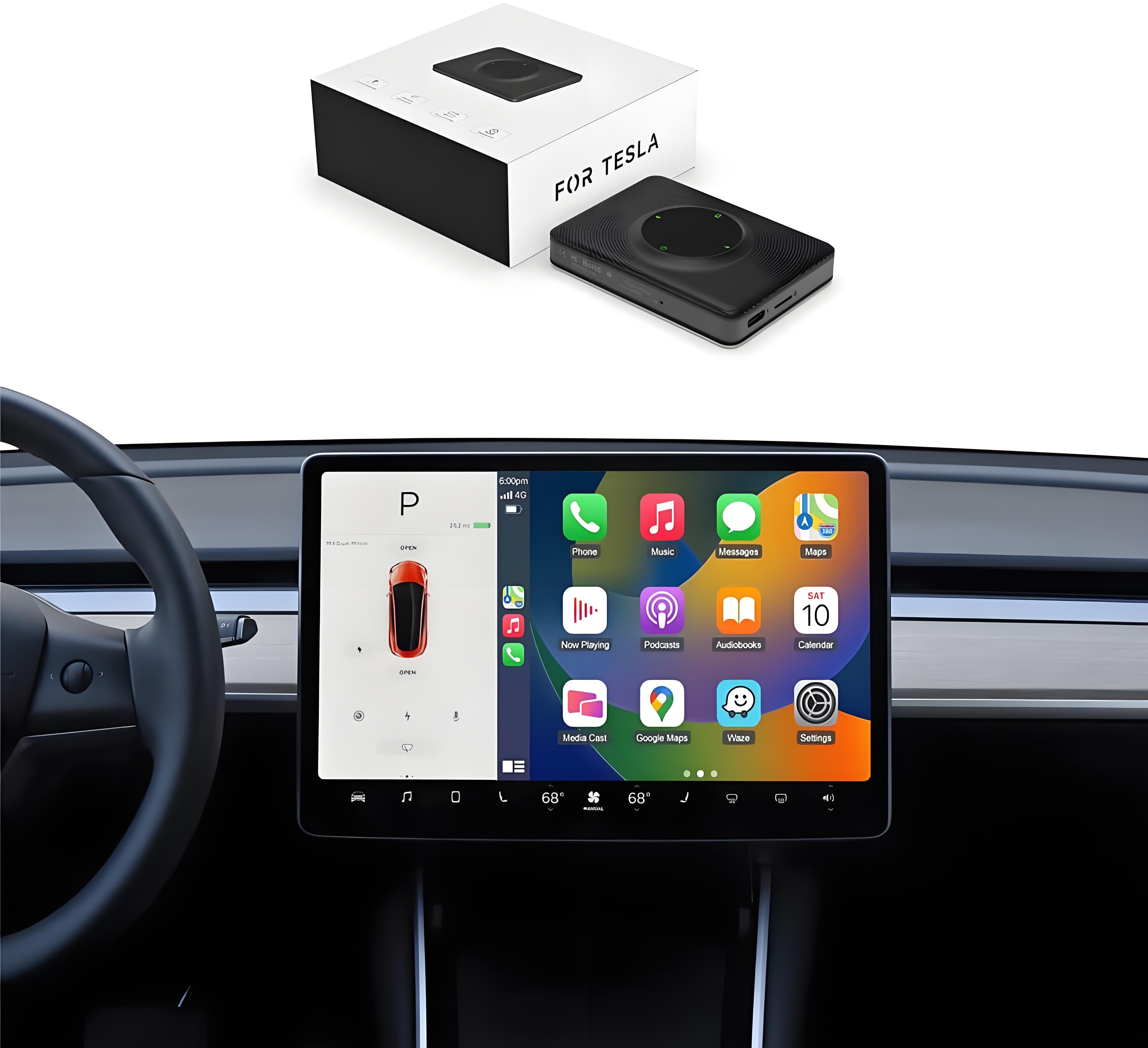
T2C Wireless Apple Carplay/ Android Auto Adapter for Tesla

$99.00 USD $145.00 USD Save $46.00 USD
Quantity

Compatibility

Description

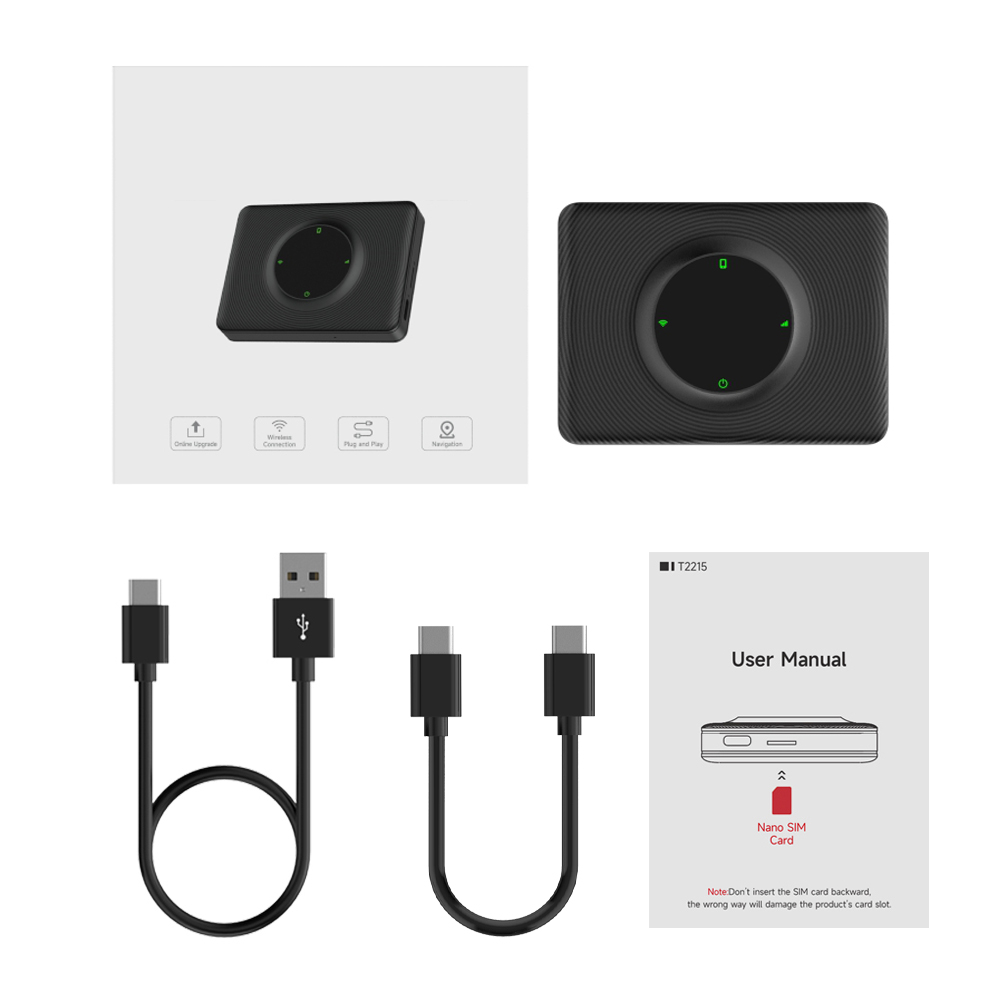
Package Include

Installation

Shipping & Guarantee

TaddonT2C Wireless Apple Carplay/ Android Auto Adapter for Tesla TaddonT2C Wireless Apple Carplay/ Android Auto Adapter for Tesla TaddonT2C Wireless Apple Carplay/ Android Auto Adapter for Tesla TaddonT2C Wireless Apple Carplay/ Android Auto Adapter for Tesla TaddonT2C Wireless Apple Carplay/ Android Auto Adapter for Tesla TaddonT2C Wireless Apple Carplay/ Android Auto Adapter for Tesla TaddonT2C Wireless Apple Carplay/ Android Auto Adapter for Tesla TaddonT2C Wireless Apple Carplay/ Android Auto Adapter for Tesla TaddonT2C Wireless Apple Carplay/ Android Auto Adapter for Tesla TaddonT2C Wireless Apple Carplay/ Android Auto Adapter for Tesla TaddonT2C Wireless Apple Carplay/ Android Auto Adapter for Tesla TaddonT2C Wireless Apple Carplay/ Android Auto Adapter for Tesla

Fast connection, Plug and Play

To convert Apple Carplay/Android Auto from wired to wireless, all that is required to do is connect the T2C to the USB connector port of the vehicle.

Keep the original audio and control

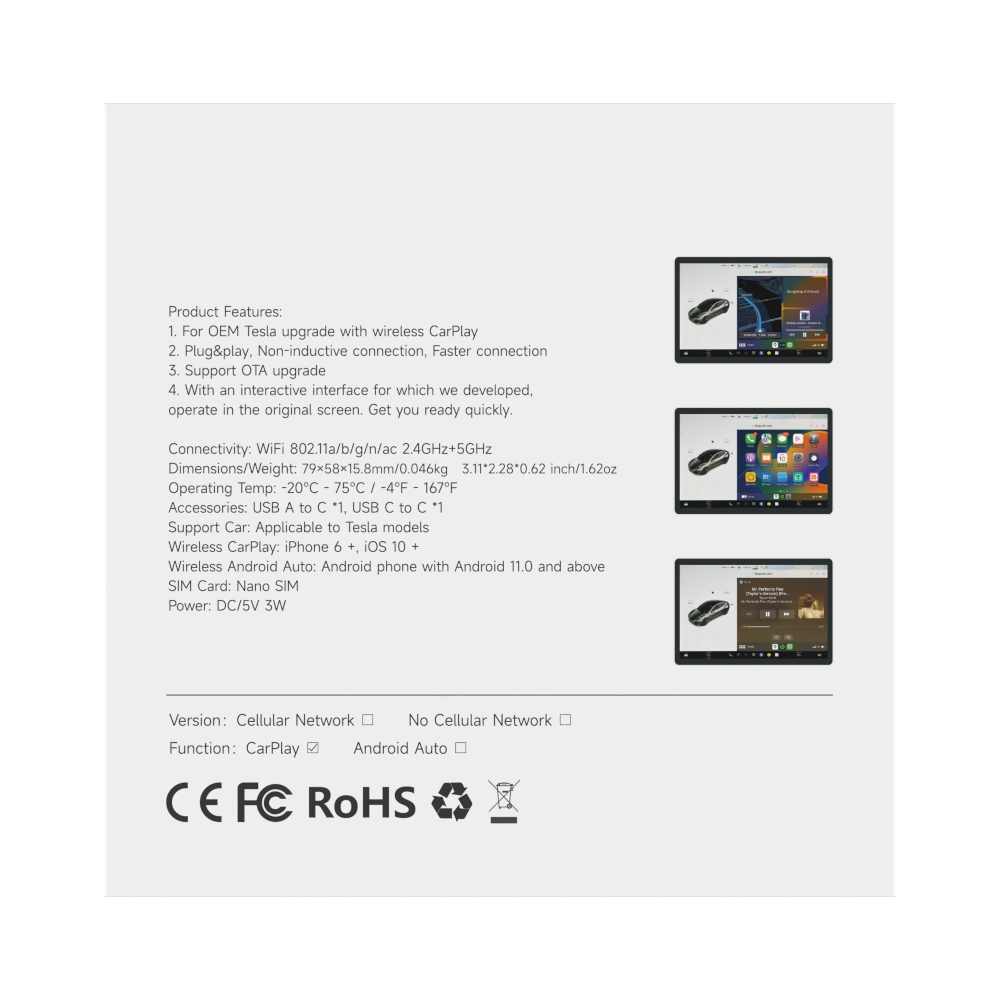
The T2C is specially designed for Tesla and helps Tesla upgrade with wireless Carplay/ Android Auto.  It operates without a SIM card and allows you to use full CarPlay functionality through your browser.

The T2C Tesla Adapter maintains all the original car's characteristics, is compatible with the original microphone, keeps the sound quality of the original car, and works with the steering wheel, buttons, knobs, and other original car operation mechanisms

Siri assistant support, makes it easier to drive.

If you are driving your Tesla alone and no one else can assist you in operating the screen, T2C could provide you with an aid to manipulate your Tesla. Just arouse Siri as you do on an iPhone, and then you can command your Tesla. T2C makes your car trip safer and more convenient.

Online navigation

You can select your preferred map from options like Google, Apple, Waze, etc. Freedom to travel and avoid congestion.

Split Screen

T2C allows you to split your screen between two and three apps at a time. You can have driving directions in one window, control music in another, and view your upcoming meetings from your calendar at the same time.

Search for "Carplay" in the search bar to explore more driving pleasure.

More stable and smooth operation with 2.4G+5.0G-Wifi.

Experience enhanced stability and seamless operation with the T2C's 2.4G+5.0G WiFi connectivity. Enjoy a smoother wireless connection for your Tesla Apple CarPlay.

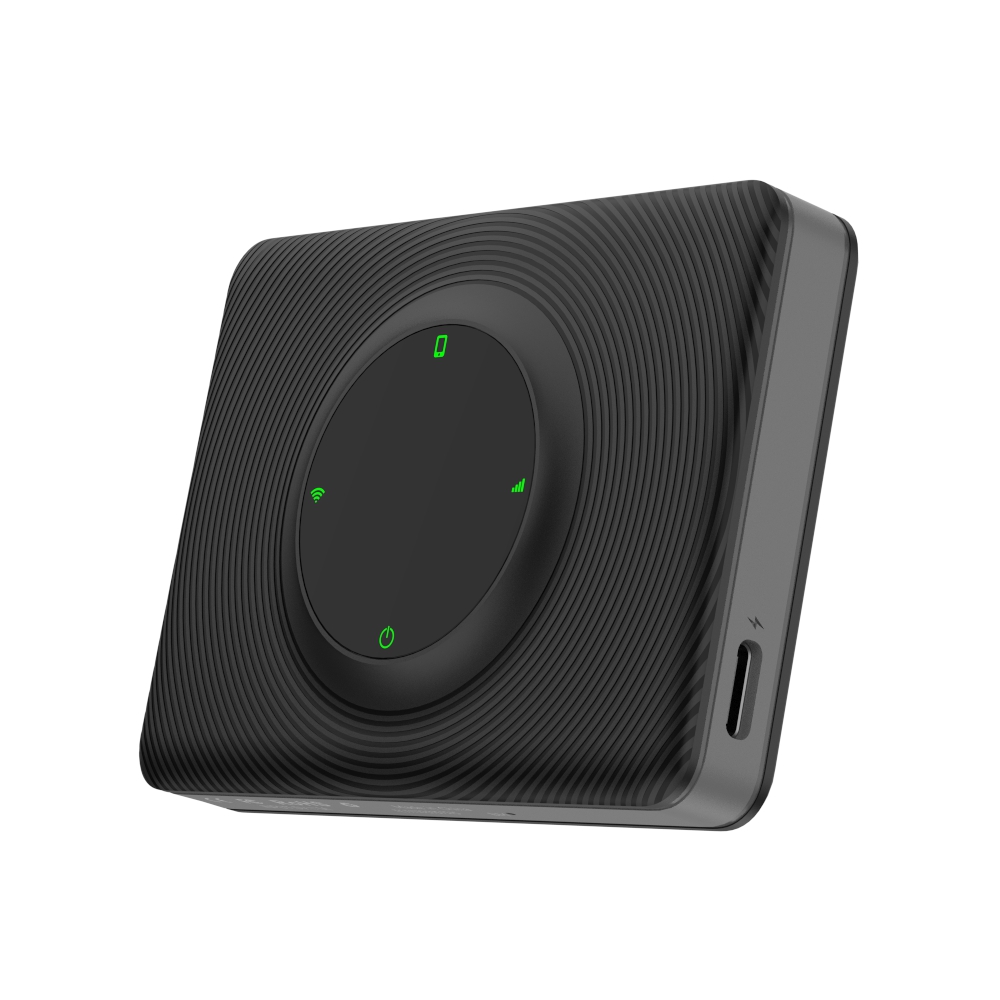
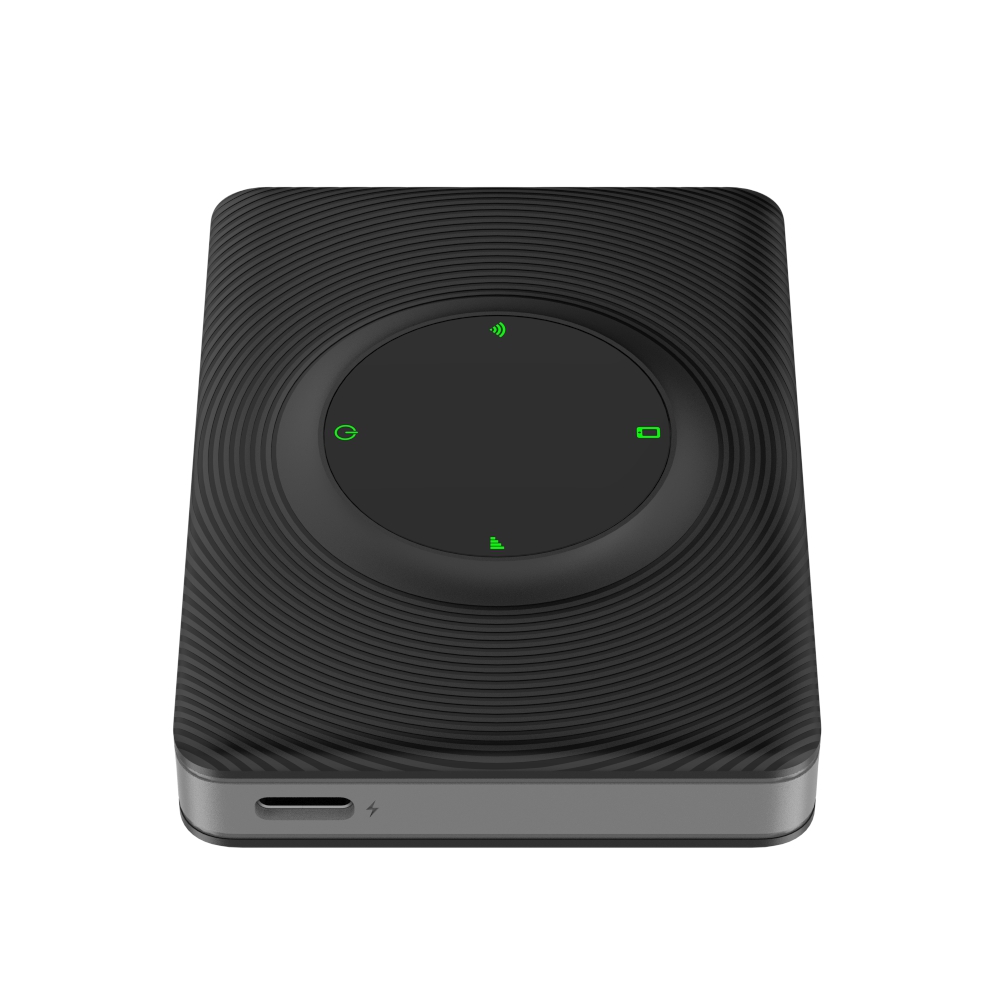
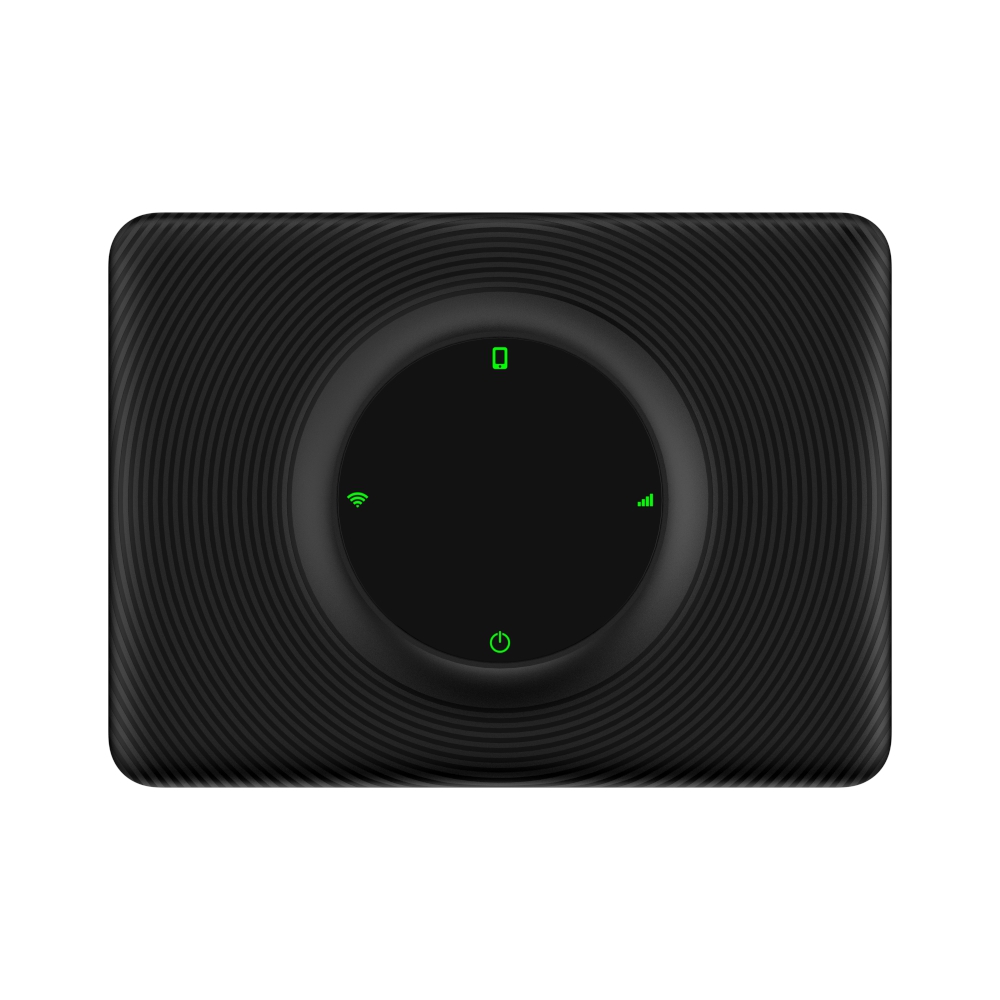
LED Instructions

LED 1: Mobile phone interconnection status. Slow flashing after successful interconnection.

LED 2: WIFI connection status. Green light will keep on after a successful connection.

LED 3: Power status indication. The green light will keep on after powering on.

LED 4: 4G status indication. Greenlight will keep on after networking.

Compatibility

Tesla Model Y
Tesla Model S
Tesla Model 3
Tesla CyberTruck
Tesla Model (may occasionally experience compatibility issues with our product, so we don't recommend it for owners of this vehicle model.)

Support iPhone 6 and newer IOS 10 or above.

Support Android phones with Android 11.0+.

The following countries and regions cannot use T2C products: Taiwan, Hong Kong, and Australia.

Easy Setup and Configuration


【Apple CarPlay】
1. Plug the product into the car's USB port.  
2. Turn on the hotspot on your mobile phone before connecting.  
3. Search for "AutoKit_xxxx" via Bluetooth on your phone, then select "Use CarPlay" when prompted.  
4. On the car screen, click the WiFi icon in the upper-right corner. Search for the WiFi signal "AutoKit-xxxx", and enter the default password 88888888. Ensure you check the option "Remain connected in Drive" after the WiFi connection is successful.  
5. Open the browser on your car screen and enter "tespush.com" (or the alternate domain name "tescarplay.com") in the address bar to activate wireless CarPlay. 
【Wireless Android Auto】 
iPhone connects to T2C WiFi
1. Start T2C
2. Wait for 40 seconds, the device will turn on the WIFI network (AutoKit_xxxx)
3. iPhone connect to the device WIFI (AutoKit_xxxx) default password ( 88888888 )
Cell phone to access the Internet, the phone pops up a prompt, select "use cellular network".
4. Open your cell phone browser to access 192.168.3.1.
5. Scroll down to the footer, if there is an update, it will appear here, then click "Update".

Simple Online Upgrade: Power on your device and follow the easy upgrade steps. Connect the T2C car adapter, pair it with your iPhone, enter the URL  '192.168.3.1' in your browser, and the upgrade is complete!

Product manual for T2C